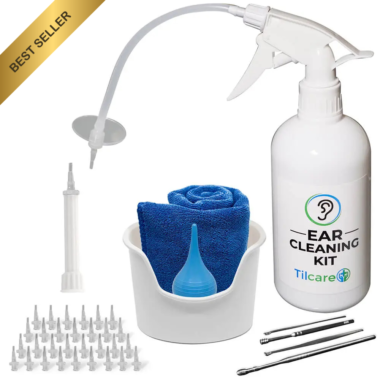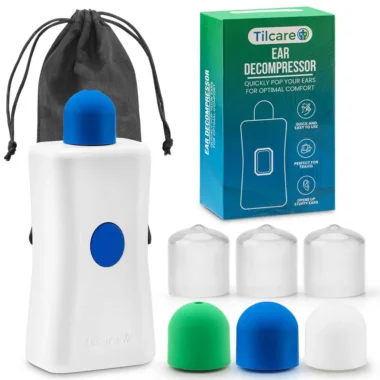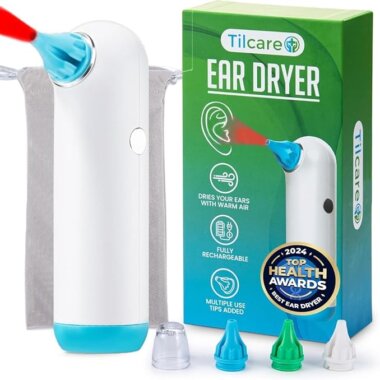
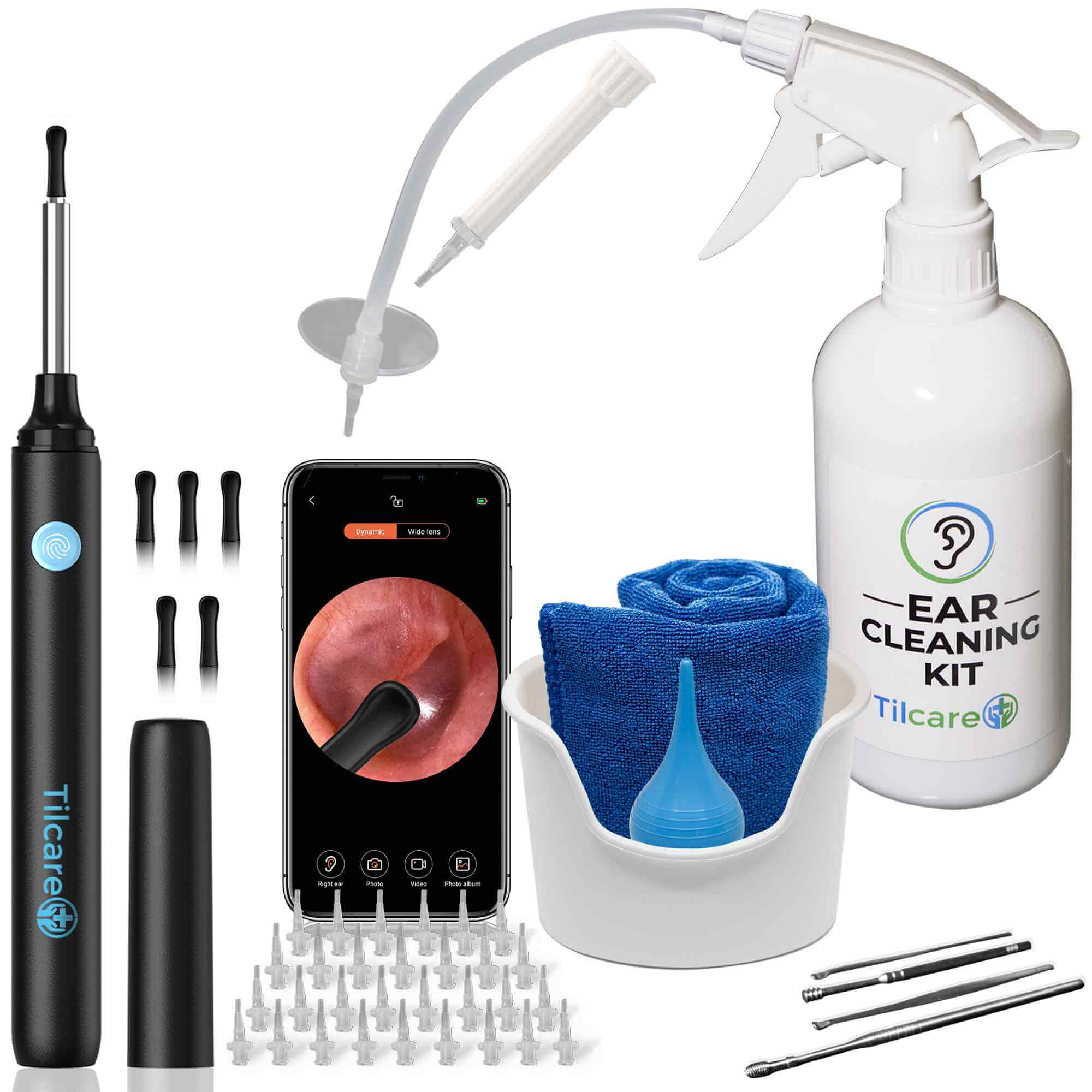
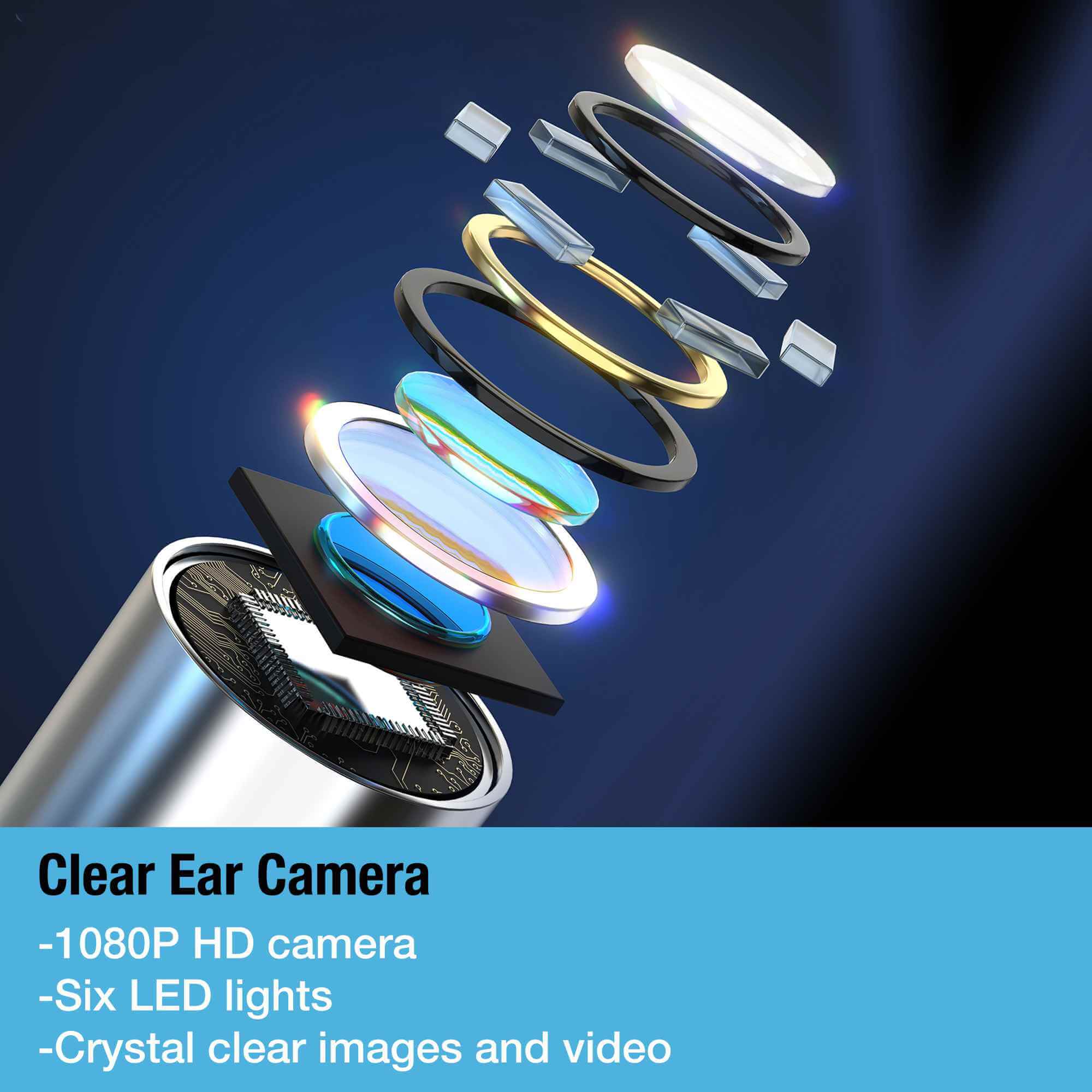
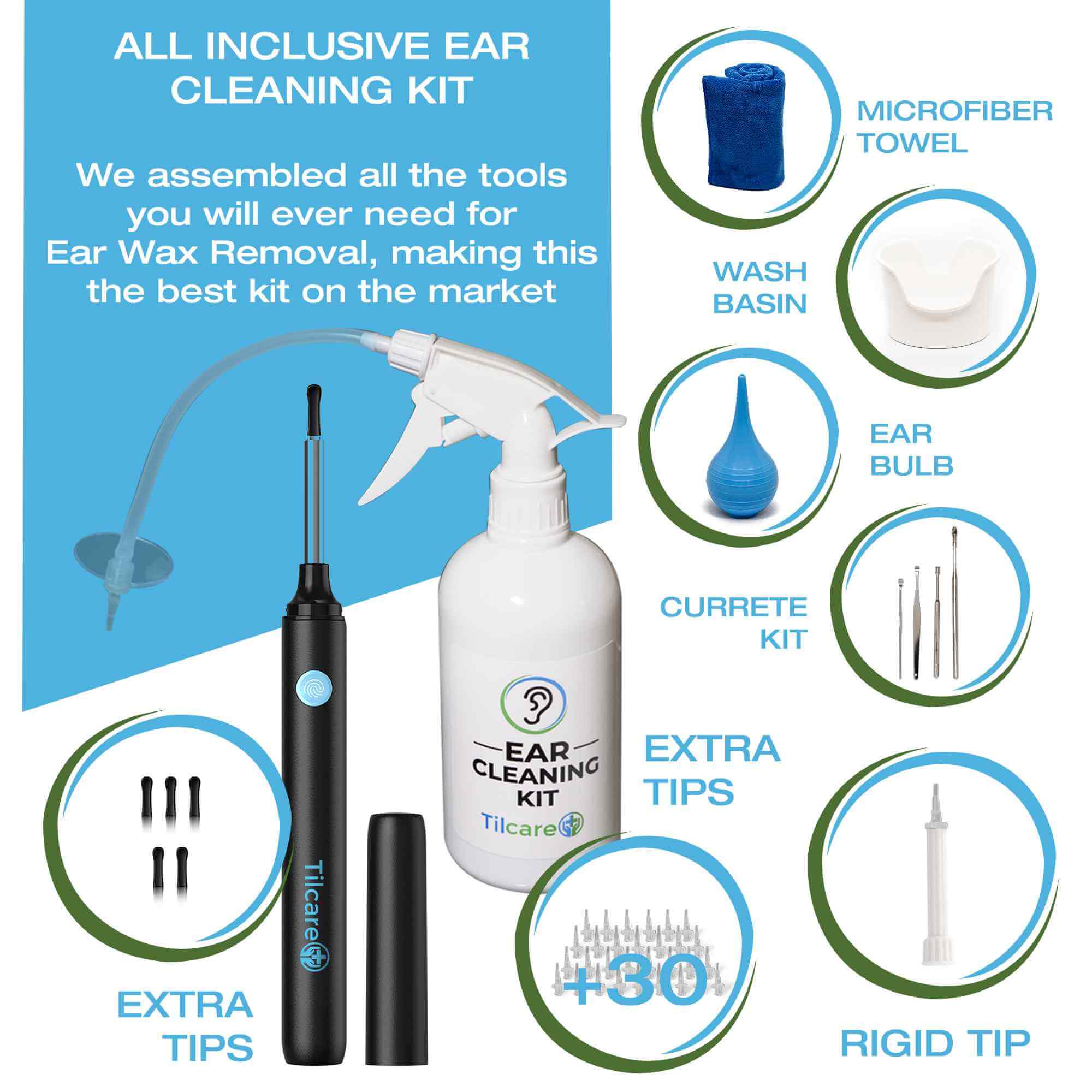
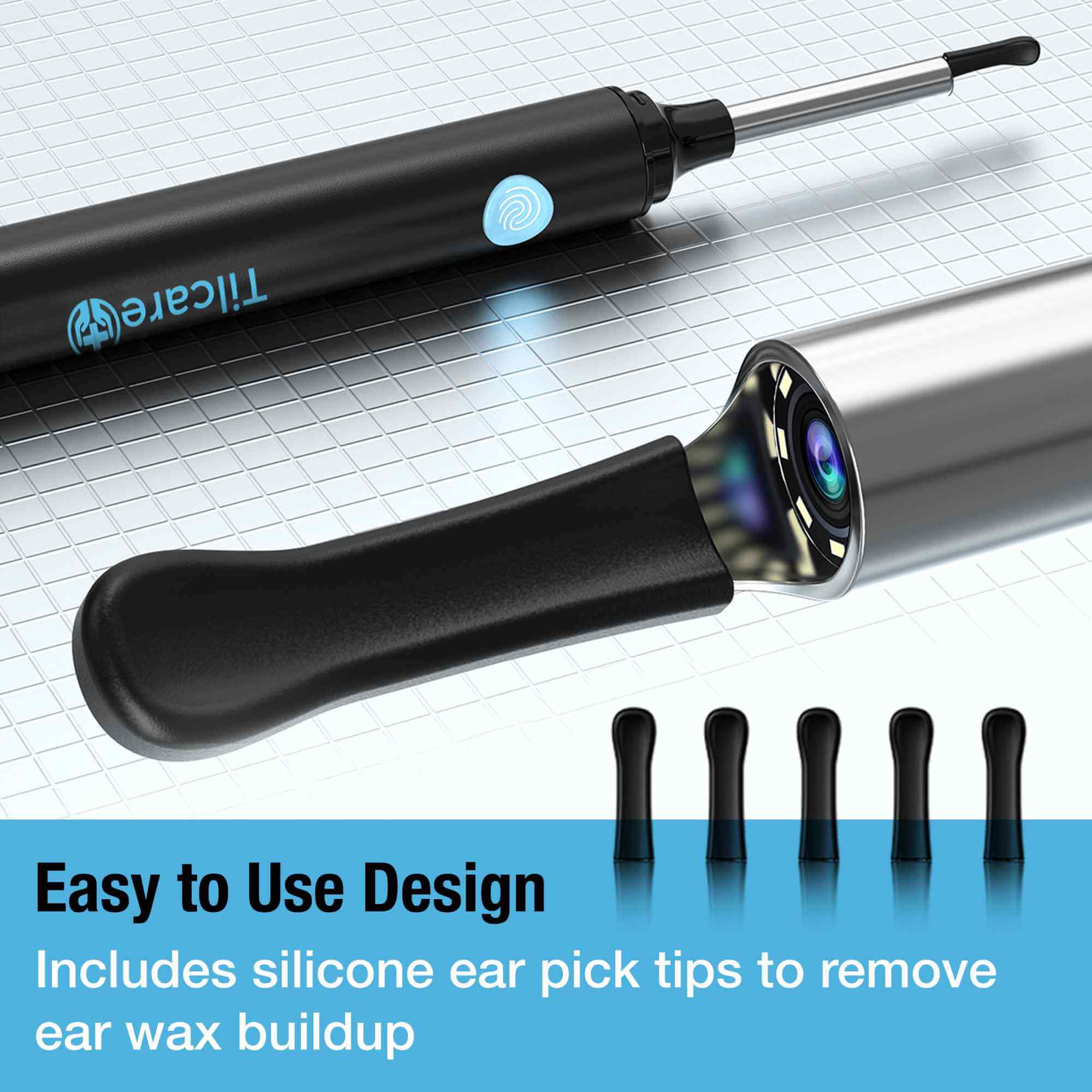


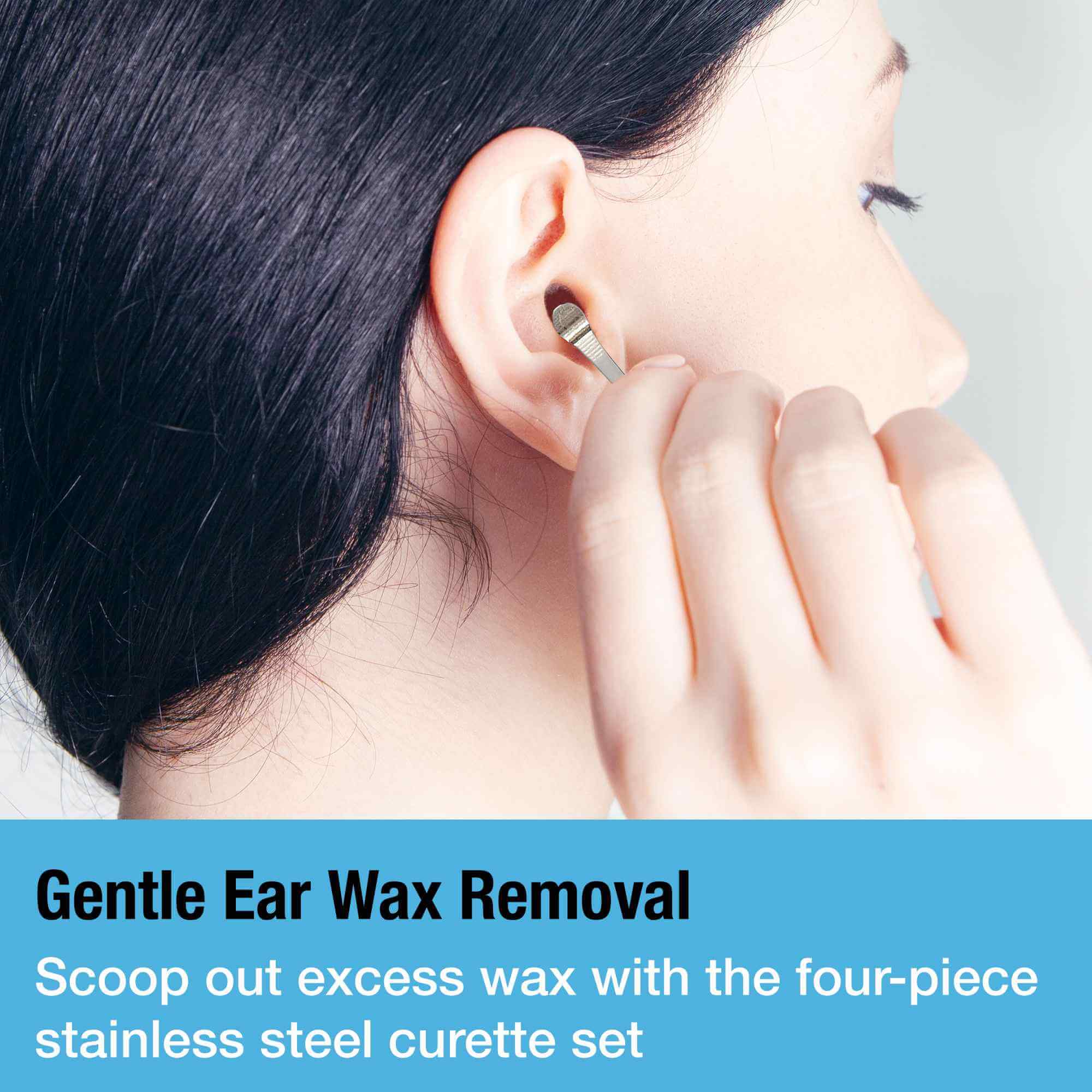
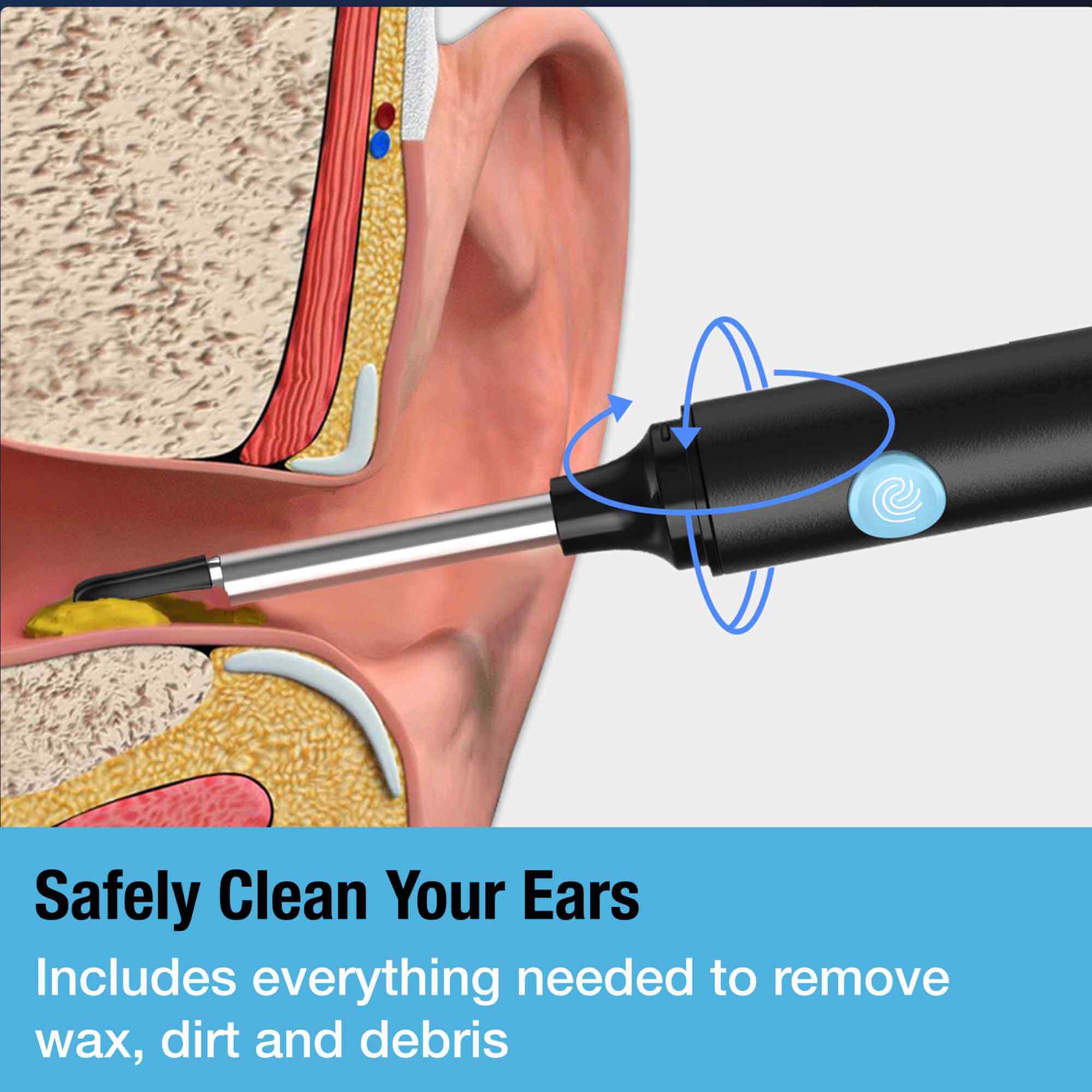
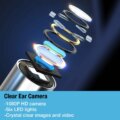
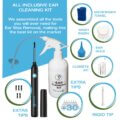
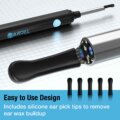
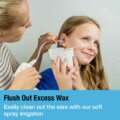


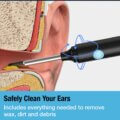
The Tilcare Ear Wax Removal Tool With Camera lets you view the ear canal in real time while cleaning using a 1080P HD ear camera that connects to your smartphone, allowing you to view the ear canal while using the included silicone scoop attachments. The kit also includes a manual irrigation bottle, catch basin, bulb syringe, stainless-steel curettes, disposable tips, and cleaning accessories. This two-in-one ear wax removal kit with camera supports both visual inspection and controlled irrigation without requiring separate tools.
Six built-in LED lights provide clear visibility during use, while the rechargeable camera offers up to 70 minutes of operation per charge. Always follow the supplied instructions, avoid inserting attachments deeply, and stop immediately if you experience pain, dizziness, bleeding, or unusual discomfort.
Helpful Guides for Ear Cleaning With a Camera
Learn how to choose and use an ear wax removal tool with camera visibility, understand different ear-cleaning methods, and recognize when at-home ear cleaning may not be appropriate.
Customer Experience With Our Ear Wax Removal Tool
Frequently Asked Questions
- How do you use the Ear Wax Removal Tool With Camera?
Charge the camera, connect it to the compatible mobile app, attach a clean silicone tip, and view the live image on your phone. Move slowly and never insert the tool deeply into the ear canal. - How does the ear camera connect to a phone?
Turn on the camera and follow the supplied instructions to connect it to the designated app. Once connected, the live camera view will appear on your phone. - Does the ear cleaning camera work with iPhone and Android devices?
Yes, it is designed for use with compatible iOS and Android devices. Check the current app and operating-system requirements before use. - What is included in the ear wax removal kit with camera?
The kit includes a 1080p ear camera, silicone scoop attachments, an irrigation bottle, catch basin, bulb syringe, curettes, disposable tips, and cleaning accessories. - Can the camera and irrigation system be used together?
They are included as complementary cleaning methods, but they should be used according to the supplied instructions rather than placed in the ear simultaneously. - What should I do if the camera image is blurry?
Clean the camera lens, check that the protective cover or attachment is correctly fitted, and allow the lens to adjust to the ear’s temperature before continuing. - How should the camera tips and reusable tools be cleaned?
Remove the attachment after use and clean reusable components according to the product instructions. Do not immerse the electronic camera handle in water. - Is the ear wax removal camera safe to use at home?
It may be used at home when the instructions are followed carefully. Stop if you experience pain, dizziness, bleeding, discharge, or sudden hearing changes. - Is this an otoscope?
Yes. This product functions as a consumer ear camera (otoscope) that lets you view the ear canal in real time while cleaning. It is intended for home ear inspection and routine ear cleaning according to the supplied instructions.